The findings and conclusions in this presentation are those of the authors and do not necessarily represent the official position of the Centers for Disease Control and Prevention.
Use of trade names and commercial sources is for identification only and does not imply endorsement by the U.S. Department of Health and Human Services.
References to non-CDC sites on the Internet do not constitute or imply endorsement of these organizations or their programs by CDC or the U.S. Department of Health and Human Services. CDC is not responsible for the content of pages found at these sites.
Section 1: Overview
Getting Started
Before we get started, let’s confirm your computer has nextstrain setup properly. Open a terminal and run the following command:
nextstrain setup --set-default conda
You should see the following output:
Checking setup…
✔ yes: operating system is supported
✔ yes: runtime data dir doesn't have spaces
✔ yes: runtime appears set up
✔ yes: snakemake is installed and runnable
✔ yes: augur is installed and runnable
✔ yes: auspice is installed and runnable
Setting default runtime to conda.
All good! Set up of conda complete.
Getting Started (Cont.)
If you ran into an error when running the command, go to the following website.
Install the nextstrain-cli using the instructions for your operating system.
For the “Set up a Nextstrain runtime” section, follow the “Conda” instructions for your operating system. We’ll go around to help if you are running into issues.
Phylogenetics is the study of evolutionary relationships among organisms.
Basic Components of a Phylogenetic Tree (Tips)
Code
library(ape)library(ggtree)library(ggplot2)library(dplyr)`%notin%`<-Negate(`%in%`)# Branch lengths are explicit so we can display themtree_text <-"((A:1,B:0.5,(C:1.5,D:0.5):0.5):0.5,E:0.5);"tree <-read.tree(text = tree_text)tree <- ape::root(tree, "E")# Basic ggtree base plotbase_plot <-ggtree(tree, branch.length ="branch.length") +theme_tree2()tips_plot <- base_plot +geom_tiplab(offset =0.02) +# tip labelsgeom_tippoint(size =3, shape =21, fill ="red", colour ="black") +# highlight tipsggtitle("Tips highlighted")tips_plot
Basic Components of a Phylogenetic Tree (Nodes)
Code
nodes_plot <- base_plot +geom_tiplab(offset =0.02) +# mark internal (non-tip) nodes: use aes(subset = !isTip)geom_point2(aes(subset =!isTip), size =3.5, shape =21, fill ="green", colour ="black") +ggtitle("Nodes highlighted")nodes_plot
Basic Components of a Phylogenetic Tree (Branches)
Code
branches_plot <- base_plot +geom_tiplab(offset =0.02) +# place branch-length labels along branches; use aes(label=branch.length)# round to two decimals for displaygeom_label(aes(x = branch, label =round(branch.length, 2)), color ="red") +# emphasise branches visually by increasing line width (optional)# geom_segment2(aes(subset = !isTip), size = 1.2) +ggtitle("Branch lengths labeled (highlighted)")branches_plot
Basic Components of a Phylogenetic Tree (Root)
Code
Ntip <-length(tree$tip.label)root_node <- Ntip +1tree_df <-fortify(tree) %>%mutate(branch_color =case_when(label =="E"~"purple",.default ="black"))root_plot <-ggtree(tree_df, aes(color=I(branch_color))) +theme_tree2() +geom_tiplab(offset =0.02) +# mark the root with a star or large pointgeom_point2(aes(subset = (node ==!!root_node)), shape =8, size =5, colour ="purple") +# optionally annotate "root" textgeom_text2(aes(subset = (node ==!!root_node), label ="root"), hjust =-0.5, vjust =-1, size =4, colour ="purple") +geom_hilight(node=5, fill="purple", alpha=.6) +geom_text2(aes(subset = (node ==5), label ="Outgroup"), hjust =-0.1, vjust =-2.0, size =4, colour ="purple") +ggtitle("Root and outgroup highlighted")root_plot
Notes on Tree Rooting
Conceptually, tree rooting should be done:
Using a known outgroup (a taxon closely related to, but outside, the study group) to place the ancestor
Or using midpoint rooting, which sets the root at the midpoint of the longest path between any two taxa
Outgroup rooting provides a more robust evolutionary history, and is generally preferred.
Types of Trees
Nextstrain Tree in Divergence Display
Nextstrain Tree in Time Display
Molecular Clock Concept
Strict Clock
Assumes constant rate accross all lineages
Relaxed Clock
Allows rate variation across branches
The Concept of Clades
Clades are the fundamental grouping of phylogenetic trees. They are defined as a monophyletic group of taxa in a tree that includes a single common ancestor and all its descendants.
Clades in Seasonal Influenza
Clades in Seasonal Influenza (cont.)
The seasonal flu research community recently implemented a nomenclature and clade proposal system for tracking important emerging clades. These correspond to the “subclade” designations from Nextclade outputs.
This has led to the designation of 5.7K+ lineages. 🤯
Subclade Proposal Process
Subclade proposal criteria:
Size: large groups should have a higher priority for designation.
Divergence: the more mutations have accumulated relative to the break point of the parent clade, the higher the priority of a novel clade
Specific mutations: Ideally, breakpoints sit on long branches with significant mutation. Such mutations will be better defined for well studied segments/genomes.
Each of these components feeds into the calculation of normalized branch scores across a phylogenetic tree.
A threshold score of 1.0 is set.
Subclade Naming
The system of subclade naming uses a variation of the Pango nomenclature system.1
Capitol letters are used as aliases and numbers separated by periods for the retained part of the hierarchical name.
Shortening (aliasing) of names after three hierarchical levels (i.e. D for C.1.1.1).
However, a new alias may be given earlier in the case of a rapid expansion or special designation.
Example of Implementation Using H3N2 HA
Code
library(networkD3)library(data.tree)library(htmlwidgets)library(collapsibleTree)library(yaml)library(viridis)# Create tree via a nested yaml stringyaml <-"name: A (3C)A.2 (3C.2): B (*A.2.1): B.1: B.1.1: B.1.2: B.1.2.1: D (*B.1.2.1.2): E (*B.1.2.2): E.1: F (*E.1.1): F.1: F.1.1: G (*E.1.2): G.1: G.1.1: G.1.1.1: G.1.1.2: G.1.2: G.1.3: G.1.3.1: J (*G.1.3.1.1): J.1: J.1.1: J.2: J.2.1: J.2.2: J.2.3: J.2.4: K (*J.2.4.1): J.2.5: J.3: J.4: G.1.3.2: G.2: G.2.1: G.2.2: G.3: G.4: E.2: B.2: B.3: B.4:A.3 (3C.3): C (*A.3.1): C.1 A.3.2:"# Load the yaml tree into a listh3List <-yaml.load(yaml)# Transform into a data.tree objecth3Node <-as.Node(h3List, interpretNullAsList =TRUE)# Assign a vector of colors for nodesh3Colors <- viridis::turbo(h3Node$totalCount)# Assign colors to tree nodesi <-1h3Node$Do(function(node) { node$color <- h3Colors[i] i <<- i +1})# Display collapsible treecollapsibleTree(h3Node,fill ="color",tooltip =TRUE)
Section 2: Tree Building Overview
Quick break.
Phylogenetic Tree Building Steps
flowchart TD
A[Sequence selection and filtering]
style A text-align:center
B[Multiple sequence alignment]
style B text-align:center
C[Model selection]
style C text-align:center
D[Tree inference]
style D text-align:center
E[Tree evaluation and visualization]
style E text-align:center
A --> |The data that is <br/> included is **important**| B
B --> C
C --> |Also important for <br/> proper tree contruction| D
D --> E
Sequence Selection
Garbage in
Garbage out
Sequence Selection
When starting the process of building a tree:
Consensus sequence data quality (not just NGS coverage)
What is the question you are trying to address?
Global surveillence?
Targeted regional analysis?
Country specific questions?
Timing of a newly emerged variant?
Be especially careful here. This requires intensive analysis and scrutiny. Understand the limitations of analysis.
Nextstrain is an open source toolkit for analyzing and visualizing pathogen genomic data.
The two core parts of Nextstrain are:
Augur (modular bioinformatics toolkit)
Auspice (browser based vizualization)
Nextstrain process overview
flowchart TB
subgraph Inputs
direction LR
A[sequences.fasta]
B[metadata.tsv]
end
subgraph Augur
direction LR
C(filter)
D(align)
E(tree)
F(refine)
G(export)
C --> D
D --> E
E --> F
F --> G
end
Inputs --> Augur
Augur --> H[Build Dataset]
H --> I[Auspice]
%% Styling
classDef input fill:#ffffff,stroke:#555,rx:12,ry:12;
classDef step fill:#bfe3ff,stroke:#3b82c4,rx:14,ry:14;
classDef output fill:#ffffff,stroke:#555,rx:12,ry:12;
classDef final fill:#b9f5b0,stroke:#2e7d32,rx:14,ry:14;
class A,B input;
class C,D,E,F,G step;
class H output;
class I final;
Section 3: Nextstrain Build Exercise
Click on the following link which will direct you to the exercise we will be going through together.
Section 4: Overview of Nextstrain Features and Navigation
We’ll go over features of your build and navigate it together.
Section 5: Communicating Results Using Nextstrain Narratives
Introduction to Nextstrain Narratives
Nextstrain narratives are markdown (.md) files that allow the communication of results interactively in a slide-like format.
Click on the link above for detailed documentation on narratives.
Open the example narrative file /profiles/gisaid/custom.md in VS Code.
At the top of the file is the narrative header:
---title: Custom Local Hosted Narrativeauthors: Norman Hasselldate: "2026-03-02"dataset: "https://nextstrain.org/custom/h3n2/ha"abstract: "Custom narrative of custom build"---
For local builds, you will have the prefix https://nextstrain.org followed by your build file name with underscores replaced by the / character (ie. custom_h3n2_ha.json dataset becomes https://nextstrain.org/custom/h3n2/ha)
Components of a Narrative: Header (Result)
Components of a Narrative: Basic Slides
Basic slides are set up by providing copied links as first level headers:
# [Custom Dataset Slide](https://nextstrain.org/custom/h3n2/ha?d=tree,map,frequencies&f_sample_type=sample&p=grid)Example of a basic slide view.The slide is filtered to a "Sample Type" of "sample".
Copy the end of the link and add the prefix of https://nextstrain.org/
Components of a Narrative: Basic Slides (Result)
Components of a Narrative: Animations
Timeline animations can be used in narratives by copying the link associated with the animation.
The link will briefly show after clicking the “Play ▶️” button underneath the “Date Range” toolbar.
# [Custom Dataset Animations](https://nextstrain.org/custom/h3n2/ha?animate=2024-06-04,2025-12-20,0,0,30000&d=map&f_sample_type=sample&p=full)Animations can be captured.
Components of a Narrative: Animations (Result)
Components of a Narrative: Images
Images can be embedded into the narrative sidebar or main display from direct links or base64 conversion.
# [Image Embedding](https://nextstrain.org/custom/h3n2/ha)Images can be embedded from the web in the side panel.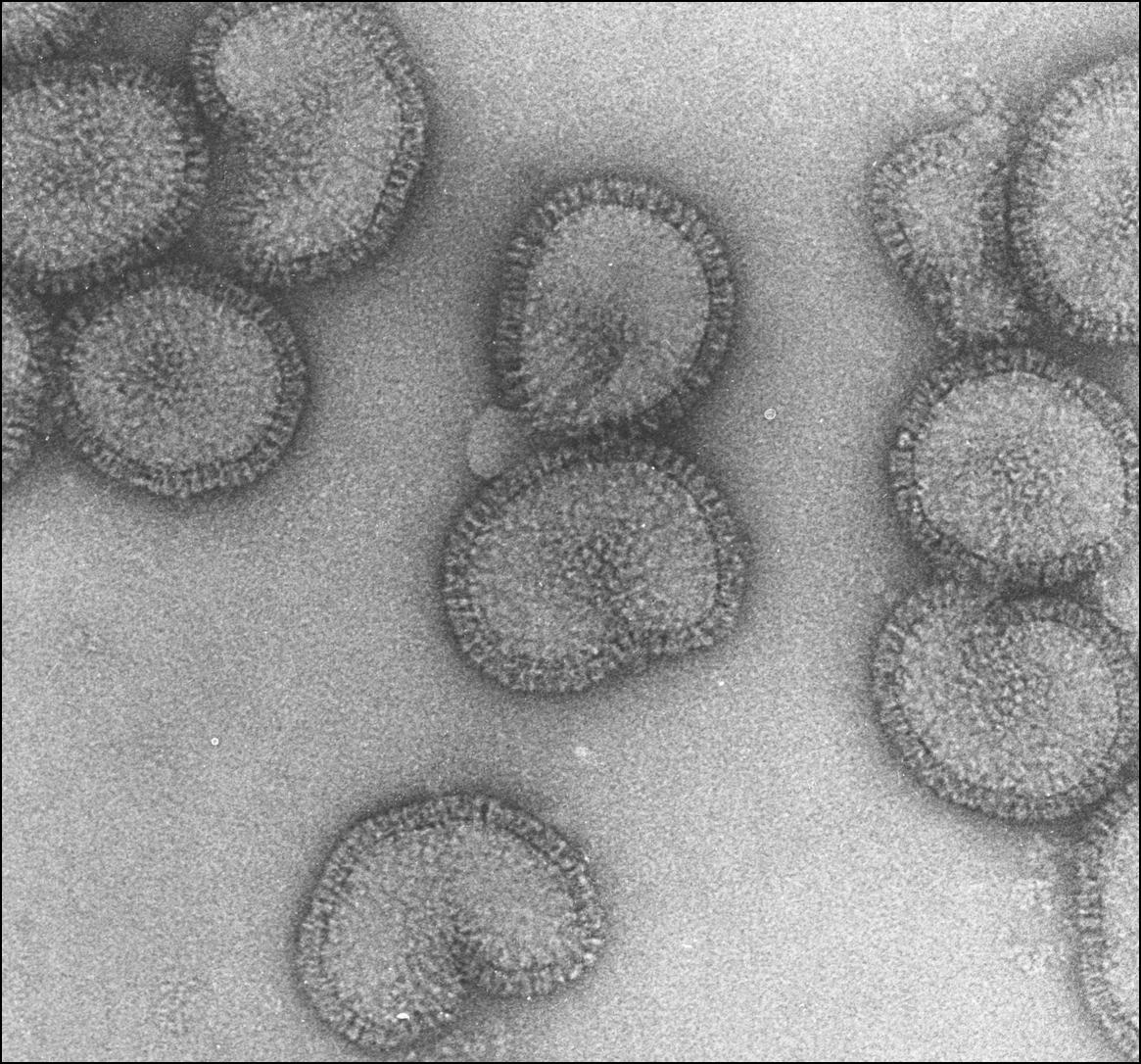```auspiceMainDisplayMarkdown### Or in the main body display via the `auspiceMainDisplayMarkdown` section.For main body markdown display.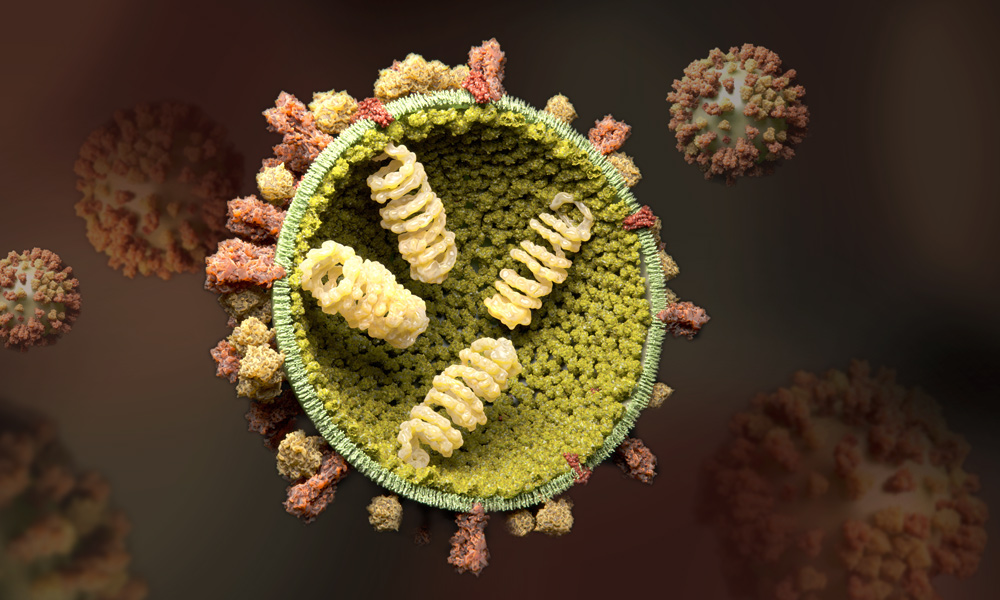```
Note the usage of the auspiceMainDisplayMarkdown block to have markdown for the main narrative display.
Components of a Narrative: Images (Results)
Narratives Continued
Normal features of markdown such as:
Tables
Lists
Text formatting
HTML embedding
Can all be used in both the narrative side panel and main display.
Again, the main display requires the auspiceMainDisplayMarkdown block for use.
Narrative Exercise
Before moving on to the exercise open a new terminal in the seasonal-flu-demo folder and enter into a new nextstrain shell session:
nextstrain shell .
Then, run another build using the following command:
Copy the narrative file located at profiles/gisaid/custom.md into your auspice/ folder:
cp profiles/gisaid/custom.md auspice/custom.md
With your first build focusing on viruses circulating in Oceania/Australia (custom_h3n2_ha) modify the aupsice/custom.md narrative markdown to add slides to addressing the following:
For subclade K, what is the rate estimate for the tree overall vs. the rate estimate for this subclade?
Are there any reagent viruses in this subclade? If so, highlight them.
Add another narrative slide of your choice, highlighting something you’ve found.
Close out your narrative with a summary slide.
Narrative Exercise Answers
Copy the narrative practical answers file to your auspice/ folder to view the practical section answers:


 Copy the end of the link and add the prefix of


